Introduction:
Creating a great design is only half the job — the real challenge is presenting it professionally to your client.
Many designers still send mockups through WhatsApp screenshots or random files, which often leads to confusion, poor feedback, and delayed approvals.
In this guide, you’ll learn how to share mockups with clients in a clean, professional, and efficient way.
Why Proper Mockup Sharing Matters:
A professional presentation can significantly improve how clients perceive your work.
Key Benefits:
- Clear understanding of the design
- Faster and more structured feedback
- Higher chances of quick approval
- Builds trust and professionalism
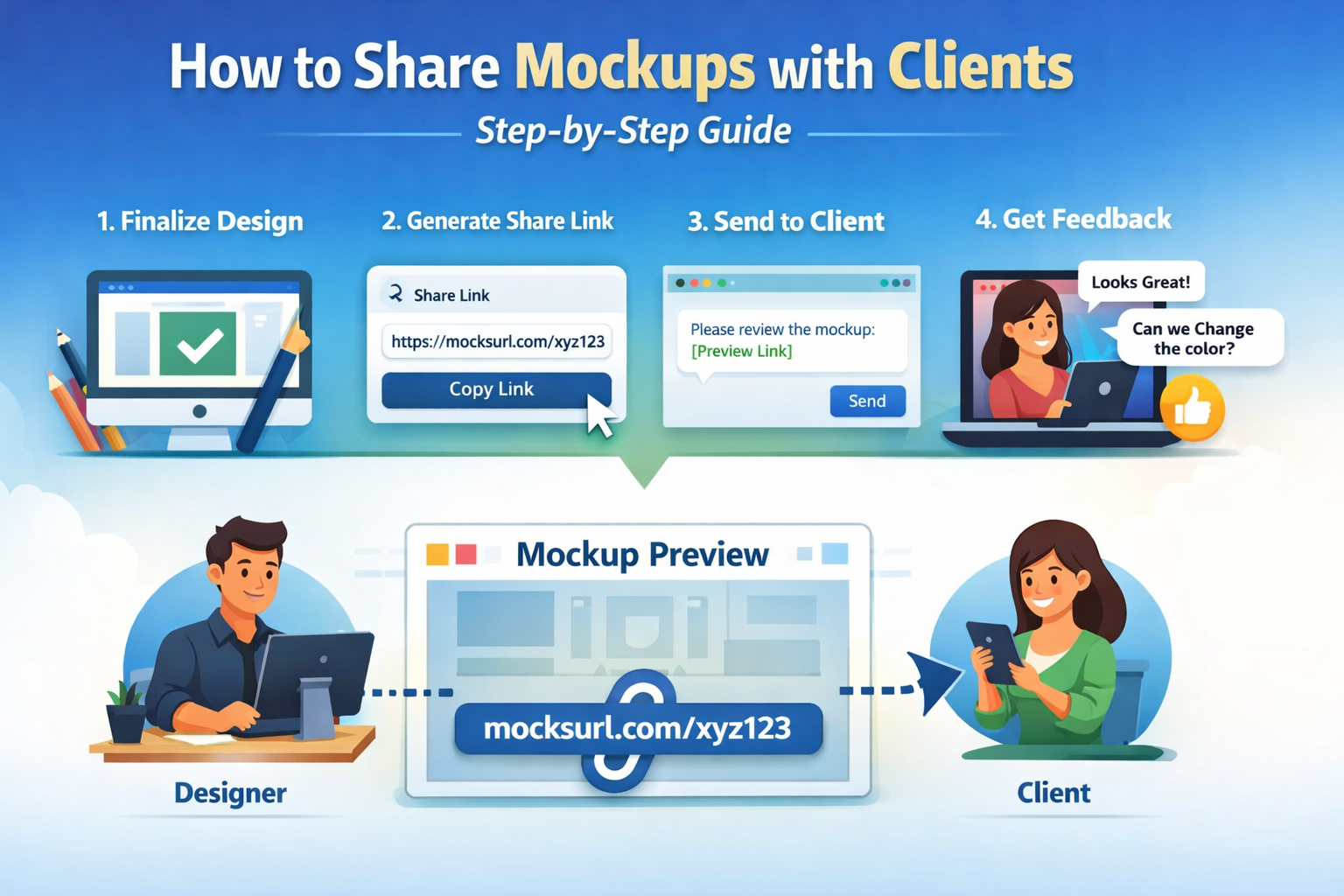
Step-by-Step Guide to Share Mockups:
Step 1: Finalize Your Design
Before sharing:
- Double-check for errors
- Ensure alignment and spacing are correct
- Confirm colors and typography
???? Always send a polished version to your client.
Step 2: Export Mockups in the Right Format
Use appropriate formats depending on your needs:
- JPG/PNG → Quick previews
- PDF → Multiple designs in one file
- High-resolution images → Detailed review
Step 3: Use an Online Mockup Sharing Tool
Instead of sending files manually, use a mockup sharing platform like MocksURL
With such tools, you can:
- Generate a single shareable link
- Let clients view designs in their browser
- Avoid downloads and file clutter
???? This makes the whole process smooth and professional.
Step 4: Send a Clean Presentation Link
Keep your message simple and clear:
“Hi, please review your design here: [Your Link Generated From MocksURL]”
Avoid:
- Sending multiple attachments
- Sharing low-quality screenshots
- Overloading the client with files
Step 5: Collect Feedback Effectively
Guide your client with specific questions:
- Do you like the colors?
- Is the layout working for you?
- Any changes required?
???? This ensures you get clear and actionable feedback.
Common Mistakes to Avoid ?
- Sending mockups via WhatsApp screenshots
- Sharing low-quality or compressed images
- Mixing multiple versions in one message
- Not guiding the client on what to review
Pro Tips for Better Client Presentation ????
- Always use a single clean link
- Keep the presentation minimal and focused
- Highlight key areas of the design
- Make it easy for clients to respond
Conclusion
Improving how you present your mockups can make a huge difference:
- Faster approvals
- Better client experience
- More professional image
- Increased chances of repeat work
???? Remember:
“Better presentation leads to better results.”
Bonus Tip ????
If you want a faster and more professional workflow, consider using a dedicated mockup sharing tool like MocksURL where you can present your designs through a simple link — no downloads, no confusion.
Visit: www.mocksurl.com
2026-03-27
mocksurl.com